
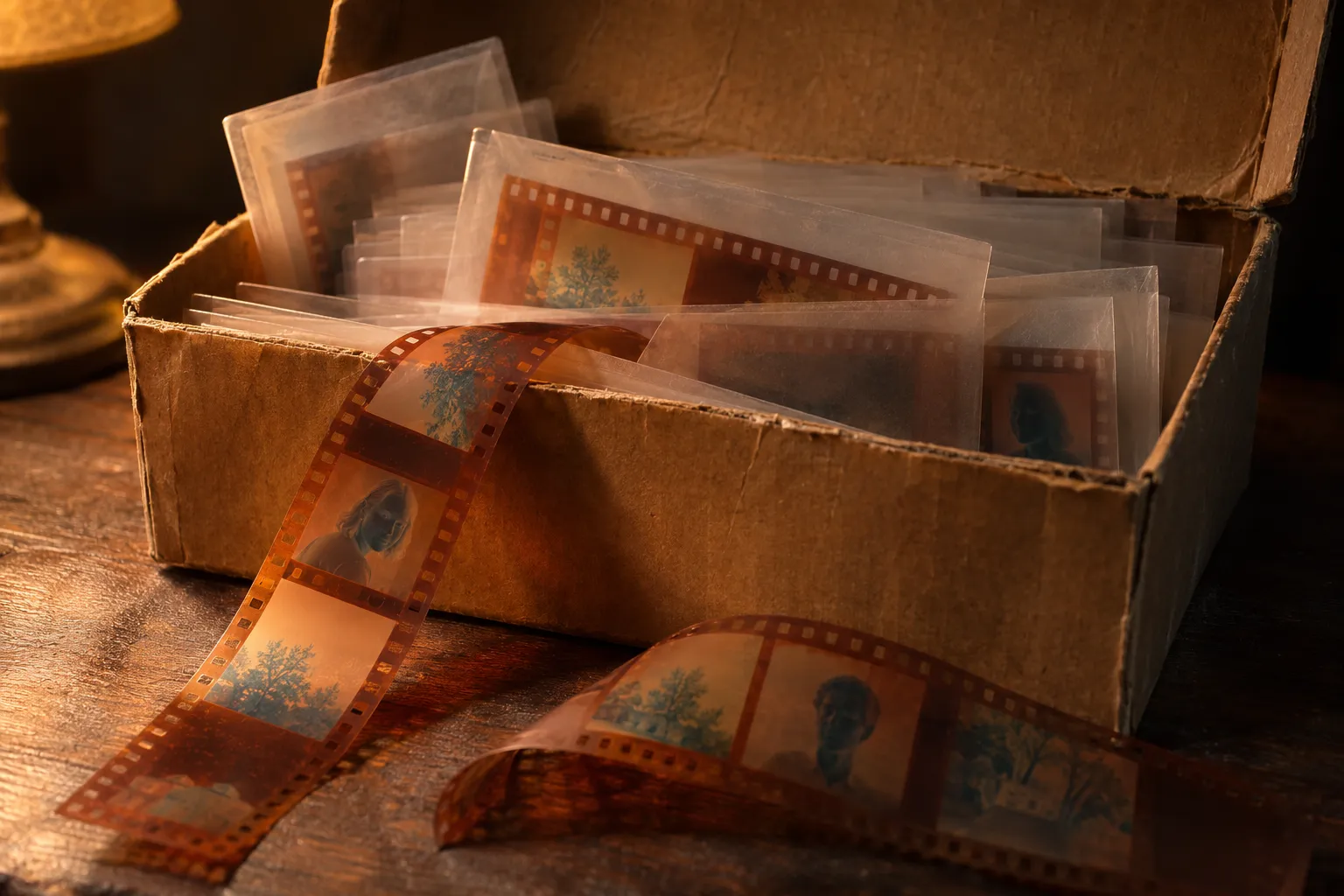
Every 35mm negative has a story printed along its edges. Before you scan a box of old film, a minute with the edge print tells you what film it is, which way to read it and in what order the photos were taken.
Find the edge print
Hold a strip up to the light. Between the sprocket holes and the frames, you see small letters, numbers and a barcode in a light color against the film base. The film maker exposed these marks onto the film at the factory, so they appeared when the roll was developed.
The edge print reads correctly when the shiny base side faces you. If the letters look mirrored, you are looking at the emulsion side.
Read the frame numbers
On 35mm film, numbers run along one edge, usually from 0 or 00 up to 36 or 37. Each frame gets two marks:
- A plain number (for example 12), next to the frame it names.
- A number with an A (for example 12A), halfway to the next frame.
A small arrow or triangle beside a number points to the frame it belongs to. Labs use these marks to cut strips of four, five or six frames, and you can use them to put loose strips back in order before you scan.
On 120 roll film, the numbers you saw through the camera's red window were printed on the backing paper, not on the film. The film edge on 120 often carries only the maker's name and the film type.
Read the film name and type
Most films print their name and speed along the edge: you might see KODAK PORTRA 400, ULTRAMAX 400, FUJI with a code, HP5 PLUS or TRI-X. That one marking tells you three useful things:
- Color negative, black and white or slide. It decides how you invert the scan. Read color vs black and white negatives.
- The speed. Fast films (800 and up) carry more grain; expect it in your scans.
- The look. Each stock printed with its own palette. In Backlit you pick that stock on the roll, and your frames print in its style.
Older or store-brand films may print only a short code. Search the exact characters with the word "film" and you will usually find the stock.
Read the DX barcode
Along one edge of 35mm film runs a thin barcode, often in two tracks next to the frame numbers. This is the DX film edge code. It encodes the film product and the frame number so a lab printer can track every frame automatically.
You can't read it by eye, and you don't need to: the printed name and numbers beside it carry the same information. What the barcode does tell you is that the film was made in 1983 or later.
The checkered silver and black pattern on the metal canister is a different DX code: it tells the camera the film speed and the number of exposures. Once the film is developed and cut, the canister is long gone, so the edge print is all you have.
Spot the clues on old family negatives
- No edge print or very simple marks? The roll may be older or from a format like 110 or 126. A 110 negative is tiny (13 by 17 mm) with one sprocket hole per frame.
- Square frames on a wide strip with no sprocket holes? That is 120 film, probably 6×6 from a medium format or box camera.
- Two small frames side by side in the space of one 35mm frame? You have half-frame film. Scan it as 35mm and crop each half.
- A gray or clear base with a gray image? Black and white. Orange base? Color negative. A positive picture? Slide film.
Use the markings when you scan
- Sort strips by frame number before you start.
- Lay each strip with the edge print reading correctly from above, so your scans come out the right way round.
- Pick the film kind (and the stock, if you know it) before you develop the roll.
- Keep a little of the edge in your first scan of each roll. You keep a record of the film type with the photos.
In Backlit you see the edge print on the camera screen as you scan, and you get the frames cut out and numbered in the order they lie on the strip. When a frame comes out mirrored, flip it in the Frame tools.